Container Widgets
AnimAID provides container widgets for organizing and laying out content. These containers work with the App class and can be nested to create complex layouts.
Available Containers
HTMLRow
A horizontal flexbox container for laying out children in a row.
from animaid import App, HTMLRow, HTMLString

with App() as app:
    row = HTMLRow([
        HTMLString("Item 1"),
        HTMLString("Item 2"),
        HTMLString("Item 3"),
    ]).gap(12)
    app.add(row)
Alignment Methods:
.align(value)- Cross-axis alignment (start, center, end, stretch).justify(value)- Main-axis alignment (start, center, end, space-between, space-around).gap(size)- Gap between items (pixels or Size object).wrap()- Allow items to wrap to next line.reverse()- Reverse item order
Presets:
.buttons()- Right-aligned button row.toolbar()- Compact toolbar with small gap.centered()- Center all items.spaced()- Space between items.start()/.end()- Align to start/end
HTMLColumn
A vertical flexbox container for laying out children in a column.
from animaid import App, HTMLColumn, HTMLString

with App() as app:
    column = HTMLColumn([
        HTMLString("Title").bold(),
        HTMLString("Subtitle").muted(),
        HTMLString("Content goes here"),
    ]).gap(8).max_width("400px")
    app.add(column)
Methods:
.align(value)- Cross-axis alignment.justify(value)- Main-axis alignment.gap(size)- Gap between items.max_width(value)- Maximum width constraint.min_height(value)- Minimum height constraint.reverse()- Reverse item order
Presets:
.stack()- Simple vertical stack with gap.form()- Form layout with 12px gap and full width.centered()- Center all items.stretch()- Stretch items to full width
HTMLCard
A visual container with optional title, shadows, and borders.
from animaid import App, HTMLCard, HTMLString

with App() as app:
    card = HTMLCard(
        title="User Profile",
        children=[
            HTMLString("Name: John Doe"),
            HTMLString("Email: john@example.com"),
        ],
    ).elevated()
    app.add(card)
Shadow Methods:
.shadow(size)- Apply shadow (ShadowSize.NONE, SM, DEFAULT, MD, LG, XL).no_shadow()- Remove shadow
Border Methods:
.bordered(color)- Add border (optional color).no_border()- Remove border.rounded(size)- Set border radius (RadiusSize enum)
Presets:
.default()- Default card with small shadow.elevated()- Prominent shadow for emphasis.outlined()- Border only, no shadow.flat()- No shadow or border.filled(color)- Colored background
HTMLDivider
A visual separator for content.
from animaid import App, HTMLDivider, HTMLString

with App() as app:
    app.add(HTMLString("Section 1"))
    app.add(HTMLDivider("OR"))  # With label
    app.add(HTMLString("Section 2"))
Style Methods:
.solid()- Solid line (default).dashed()- Dashed line.dotted()- Dotted line.color(value)- Set line color.thickness(px)- Set line thickness
Orientation:
.vertical()- Vertical divider (for use in rows).horizontal()- Horizontal divider (default)
Presets:
.subtle()- Light, unobtrusive divider.bold()- Dark, prominent divider
HTMLSpacer
An empty element for layout control.
from animaid import App, HTMLRow, HTMLButton, HTMLSpacer

with App() as app:
    row = HTMLRow([
        HTMLButton("Left"),
        HTMLSpacer().flex(),  # Pushes Right to the end
        HTMLButton("Right"),
    ])
    app.add(row)
Fixed Size Methods:
.height(size)- Fixed height spacer.width(size)- Fixed width spacer.size(value)- Set both dimensions
Flexible Methods:
.flex(grow=1)- Flexible spacer that expands.grow(value)- Set flex-grow.shrink(value)- Set flex-shrink
Size Presets:
.xs()- 4px.sm()- 8px.md()- 16px.lg()- 24px.xl()- 32px
Nested Layouts
Containers can be nested to create complex layouts:
from animaid import App, HTMLCard, HTMLRow, HTMLColumn, HTMLString, HTMLButton

with App() as app:
    dashboard = HTMLCard(
        title="Dashboard",
        children=[
            HTMLColumn([
                # Header row
                HTMLRow([
                    HTMLString("Welcome!").bold(),
                    HTMLSpacer().flex(),
                    HTMLButton("Settings"),
                ]).spaced(),

                # Content columns
                HTMLRow([
                    HTMLColumn([
                        HTMLString("Sidebar"),
                    ]).styled(min_width="150px"),
                    HTMLColumn([
                        HTMLString("Main Content"),
                    ]).styled(flex="1"),
                ]).gap(16),
            ]).gap(16),
        ],
    ).elevated()
    app.add(dashboard)
Full-Window Layouts
Simple methods to make containers fill the browser window.
Full width:
row = HTMLRow([...]).full_width()
Full height:
column = HTMLColumn([...]).full_height()
Full screen (both dimensions):
from animaid import HTMLColumn, HTMLString

layout = HTMLColumn([
    HTMLString("Header").bold(),
    HTMLString("Content"),
    HTMLString("Footer"),
]).full_screen()
Expanding content area:
Use .expand() to make a child container fill remaining space. This creates a header/content/footer layout:
from animaid import HTMLColumn, HTMLString

layout = HTMLColumn([
    HTMLString("Header").styled(padding="16px", background_color="#333", color="white"),
    HTMLColumn([
        HTMLString("Main content area"),
    ]).expand(),  # Fills remaining space
    HTMLString("Footer").styled(padding="16px", background_color="#333", color="white"),
]).full_height()
Available methods:
Method |
Description |
|---|---|
|
Expand to full width of parent |
|
Expand to full viewport height |
|
Fill entire viewport (width and height) |
|
Fill available space in a flex parent |
Tutorial
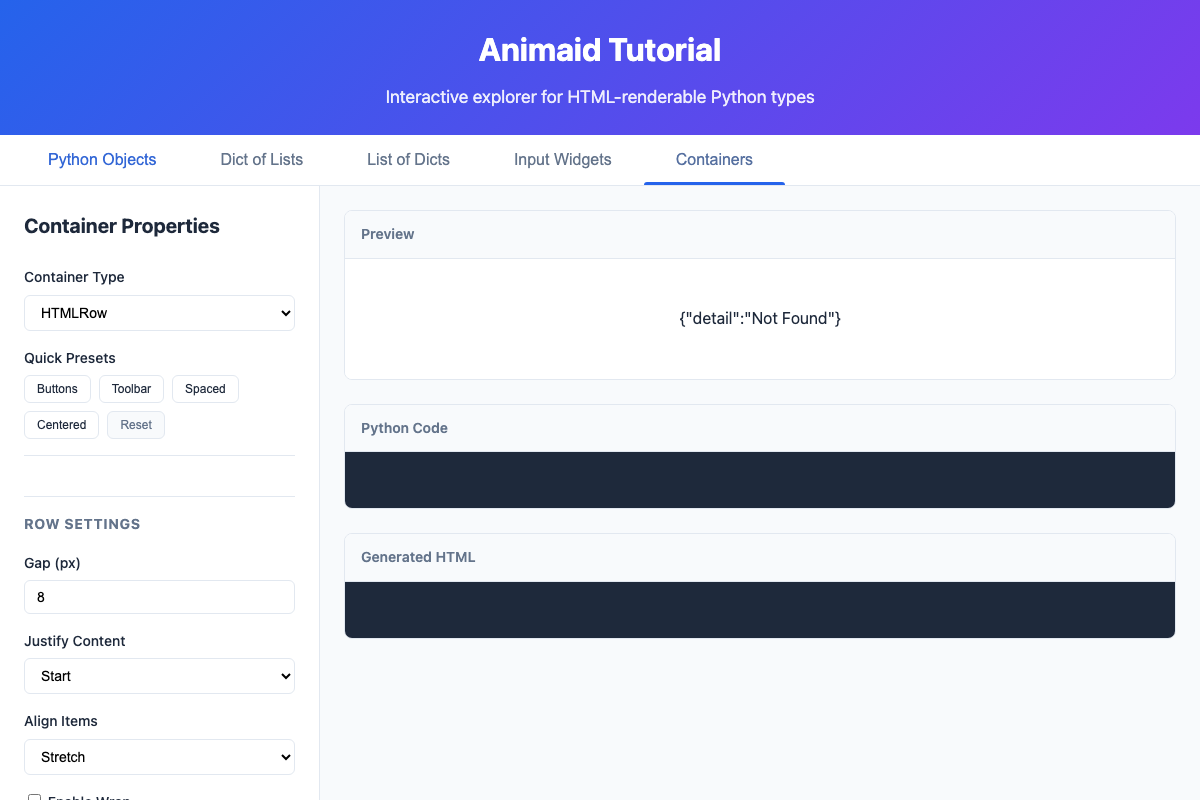
The tutorial app includes a Containers tab where you can explore all container options interactively:
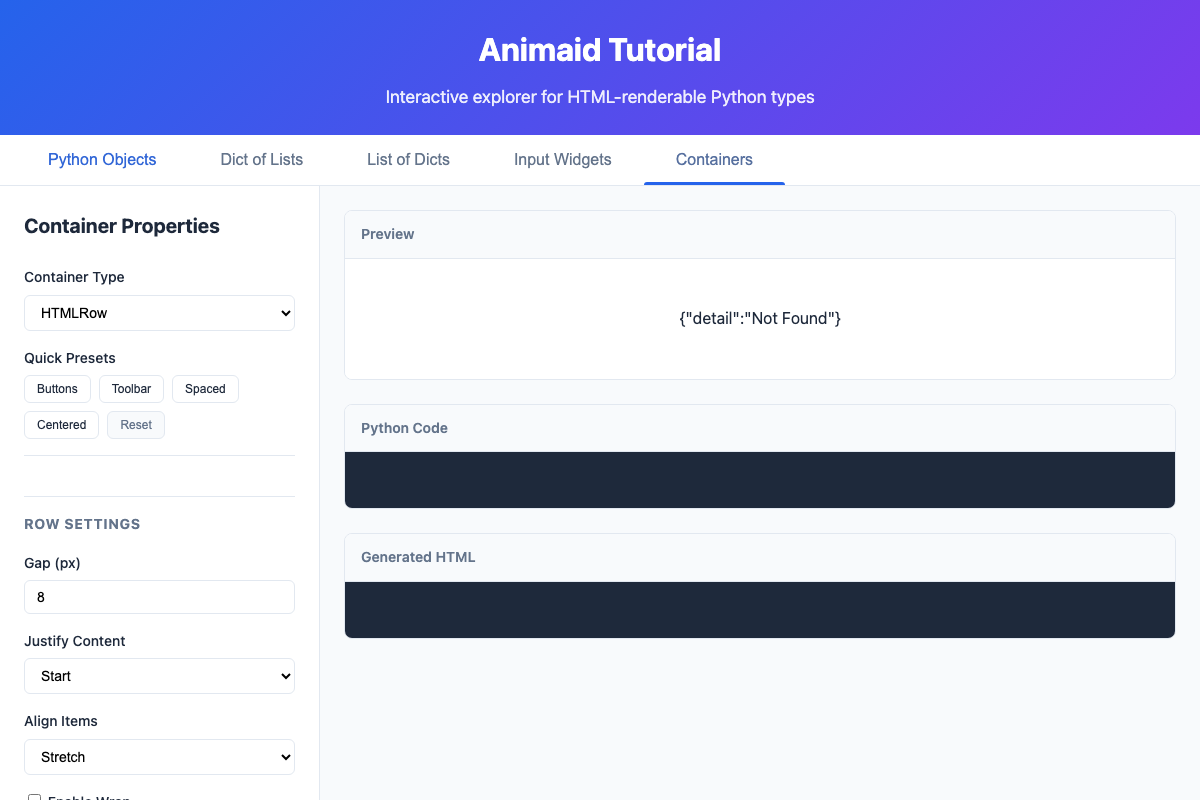
Switch between container types to see different layouts:
CSS Enums
Container methods accept both string values and type-safe enums:
from animaid import (
    HTMLRow,
    AlignItems,
    JustifyContent,
    ShadowSize,
    RadiusSize,
)

# Using enums (recommended for type safety)
row = HTMLRow([...]).align(AlignItems.CENTER).justify(JustifyContent.SPACE_BETWEEN)

# Using strings (more concise)
row = HTMLRow([...]).align("center").justify("space-between")
Available Enums:
AlignItems- start, end, center, stretch, baselineJustifyContent- start, end, center, space-between, space-around, space-evenlyFlexWrap- nowrap, wrap, wrap-reverseShadowSize- NONE, SM, DEFAULT, MD, LG, XLRadiusSize- NONE, SM, DEFAULT, MD, LG, XL, XXL, FULLDividerStyle- SOLID, DASHED, DOTTED