Interactive Tutorial
AnimAID includes a comprehensive web-based tutorial that lets you explore all features interactively.
Starting the Tutorial
# Install with tutorial dependencies
pip install animaid[tutorial]

# Start the tutorial (opens browser automatically)
animaid-tutorial

# Or specify a custom port
animaid-tutorial --port 8300

# Run without opening browser
animaid-tutorial --no-browser
Tutorial Tabs
The tutorial provides five main sections accessible via tabs at the top of the page.
Python Objects Tab
The Python Objects tab provides a unified interface for exploring all AnimAID HTML types:
HTMLString - Styled text with colors, fonts, backgrounds
HTMLInt - Formatted integers with currency, percentages, ordinals
HTMLFloat - Decimal numbers with precision control and units
HTMLList - Lists with flexible layouts (horizontal, vertical, grid)
HTMLDict - Key-value pairs as tables, cards, or definition lists
HTMLTuple - Tuples with labels and custom separators
HTMLSet - Unique items as tags or pills
Use the dropdown selector to switch between object types. Each type has its own controls and presets.
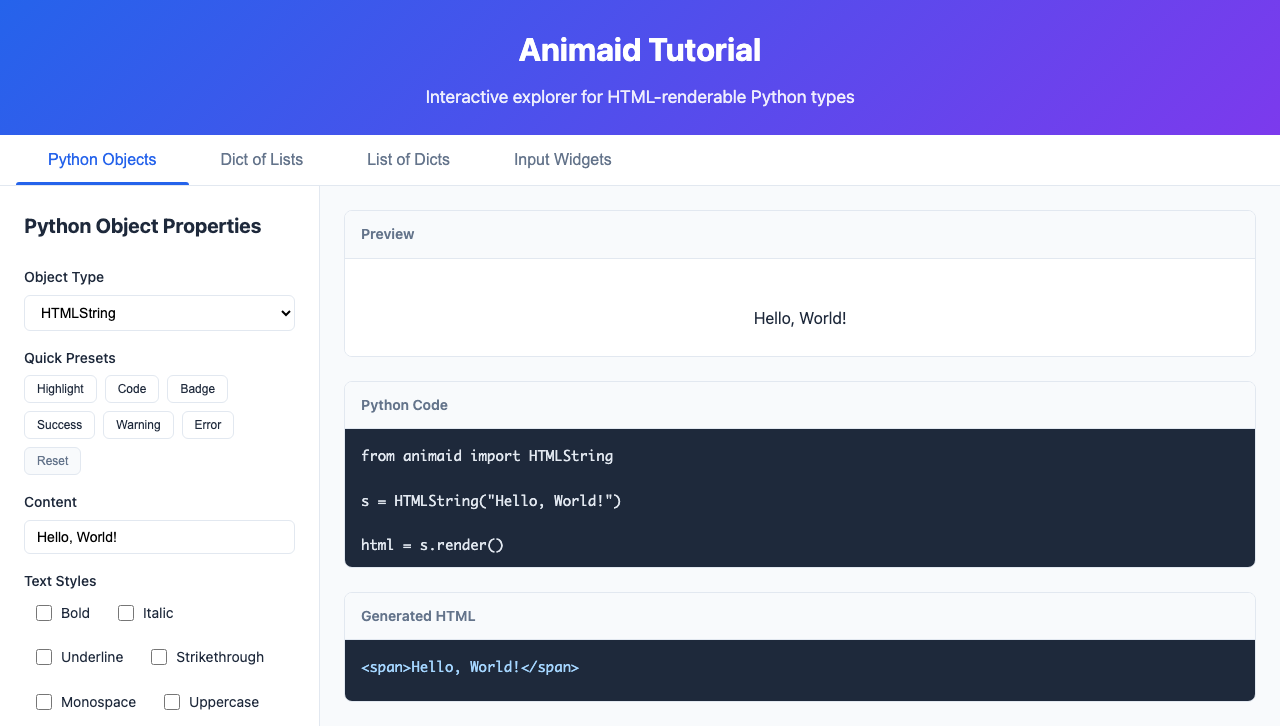
Features:
Type-specific controls for each HTML object
Quick preset buttons for common styles
Live preview of styled output
Generated Python code you can copy
Generated HTML output
Input Widgets Tab
The Input Widgets tab demonstrates interactive input widgets that work with the App class:
HTMLButton - Clickable buttons with styles (primary, success, danger, warning)
HTMLTextInput - Text input fields with placeholder and change events
HTMLCheckbox - Toggle checkboxes with labels
HTMLSlider - Range sliders with min/max/step values
HTMLSelect - Dropdown select menus
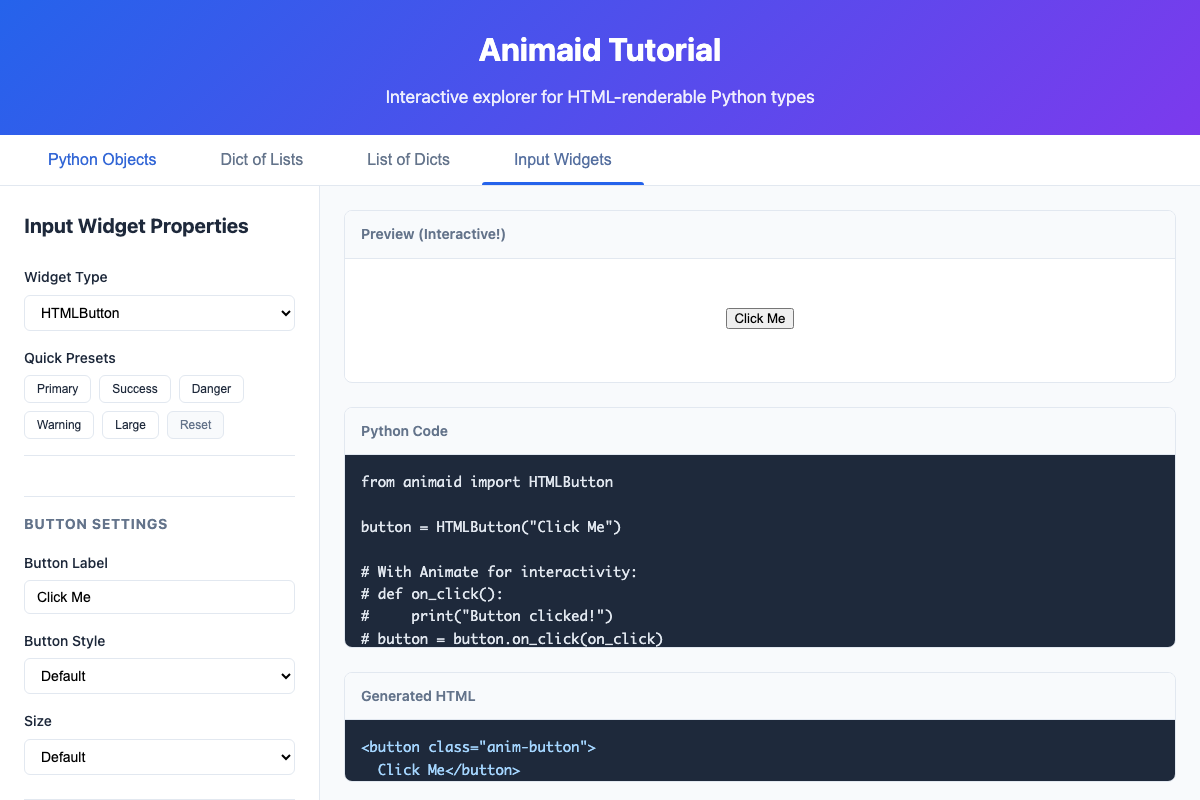
Features:
Widget-specific controls and presets
Live demonstration of event handling
Value display showing current widget state
Generated Python code for each widget
Containers Tab
The Containers tab lets you explore layout containers for organizing content:
HTMLRow - Horizontal flexbox layout with alignment options
HTMLColumn - Vertical flexbox layout with alignment options
HTMLCard - Visual grouping with titles, shadows, and borders
HTMLDivider - Visual separators between content sections
HTMLSpacer - Fixed or flexible spacing for layout control
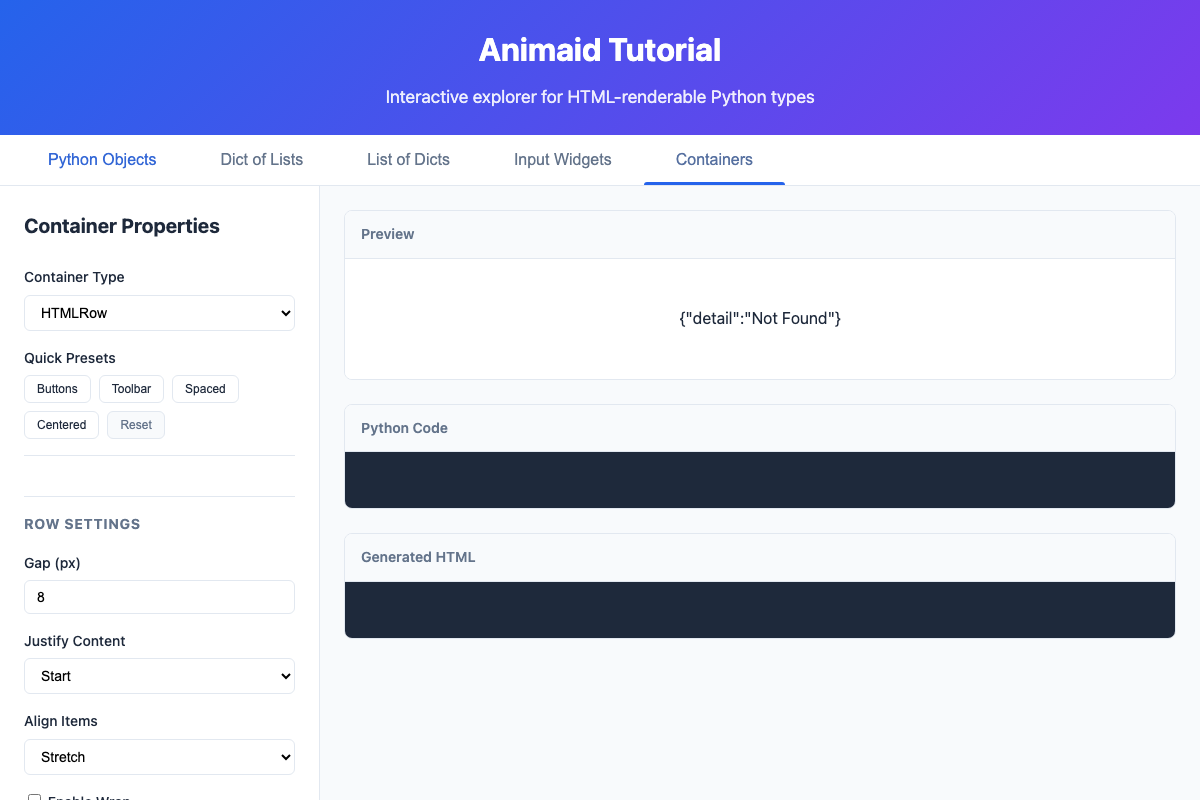
Features:
Container-specific controls and presets
Live preview of container layouts
Generated Python code for each container
Nested layout demonstration
See the Container Widgets documentation for detailed usage.
Dict of Lists Tab
Visualize nested dictionaries containing lists:
from animaid import HTMLDict, HTMLList

data = HTMLDict({
    "Fruits": HTMLList(["Apple", "Banana", "Cherry"]),
    "Vegetables": HTMLList(["Carrot", "Broccoli", "Spinach"]),
})
Configure list styling options like horizontal/vertical layout, pills, and cards.
List of Dicts Tab
Visualize lists of dictionaries as cards:
from animaid import HTMLList, HTMLDict

users = HTMLList([
    HTMLDict({"name": "Alice", "role": "Developer"}),
    HTMLDict({"name": "Bob", "role": "Designer"}),
])
Perfect for displaying collections of records with consistent formatting.
What You Can Do
Experiment: Adjust any property and see instant results
Copy Code: Generated Python code is ready to use in your projects
Learn: See how each style method affects the HTML output
Explore Presets: Quick buttons for common styling patterns
Command Line Options
usage: animaid-tutorial [-h] [--port PORT] [--host HOST] [--no-browser]

Run the AnimAID interactive tutorial

options:
  -h, --help    show this help message and exit
  --port PORT   Port to run the server on (default: 8200)
  --host HOST   Host to bind to (default: 127.0.0.1)
  --no-browser  Don't automatically open the browser