Demo Programs
AnimAID includes demo programs that showcase its interactive capabilities. Each demo opens a browser window and shows real-time updates as Python code executes.
Running Demos
List all available demos:
animaid-demo --list
Run a specific demo:
animaid-demo countdown_timer
Or run directly with Python:
python demos/countdown_timer.py
Core Demos
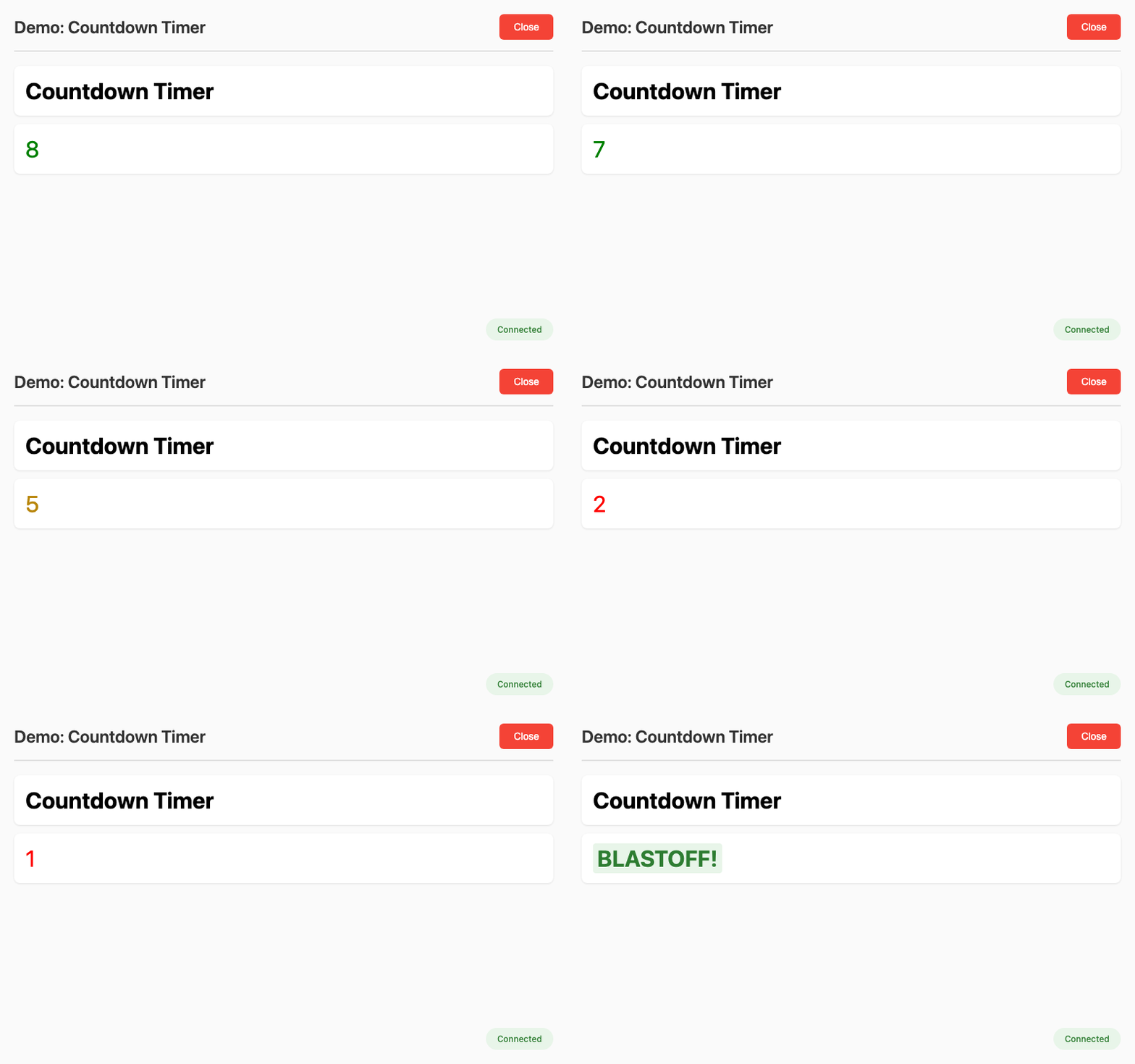
Countdown Timer
Real-time countdown with color transitions (green → yellow → red).
animaid-demo countdown_timer
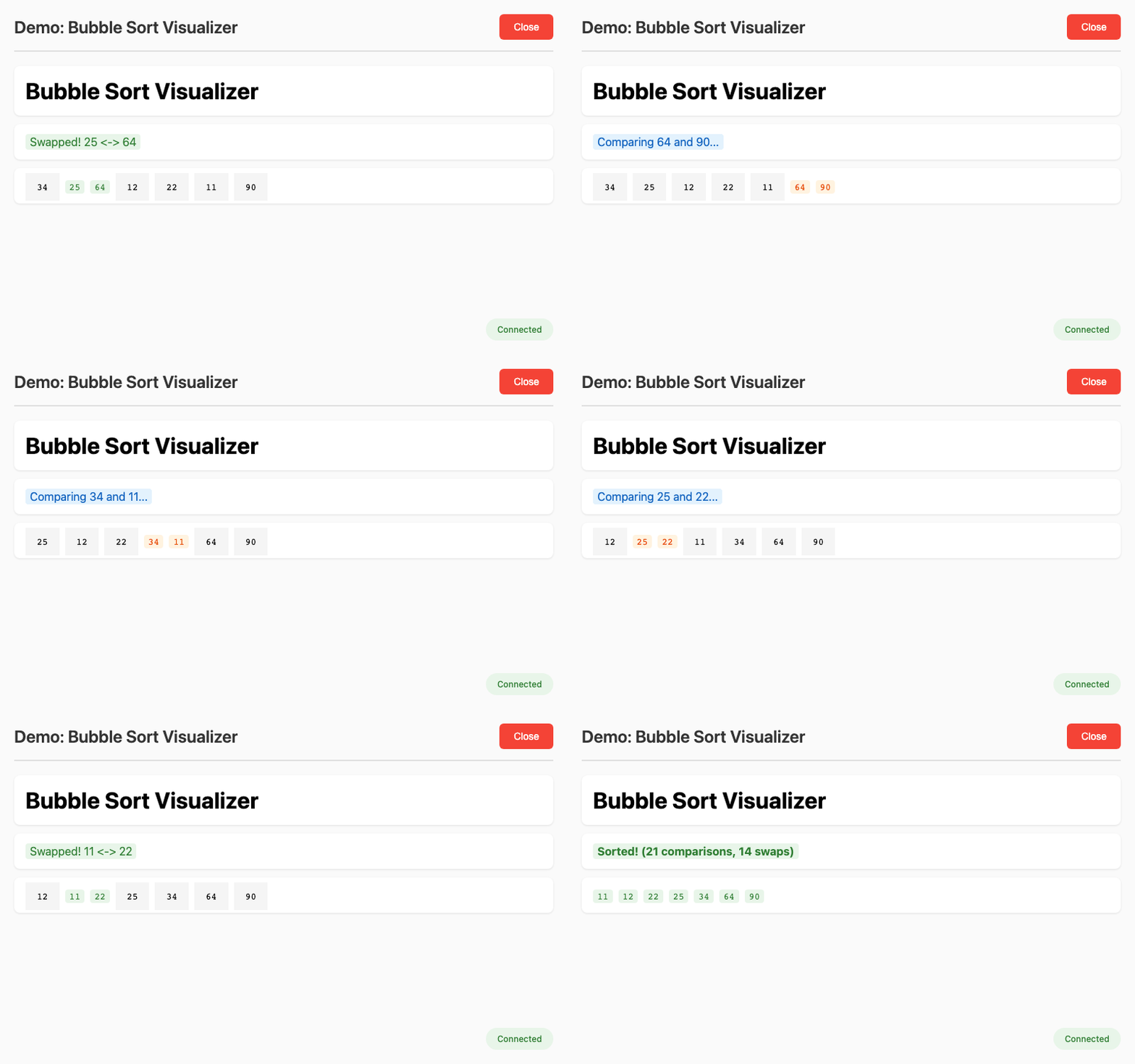
Sorting Visualizer
Bubble sort algorithm with step-by-step visualization.
animaid-demo sorting_visualizer
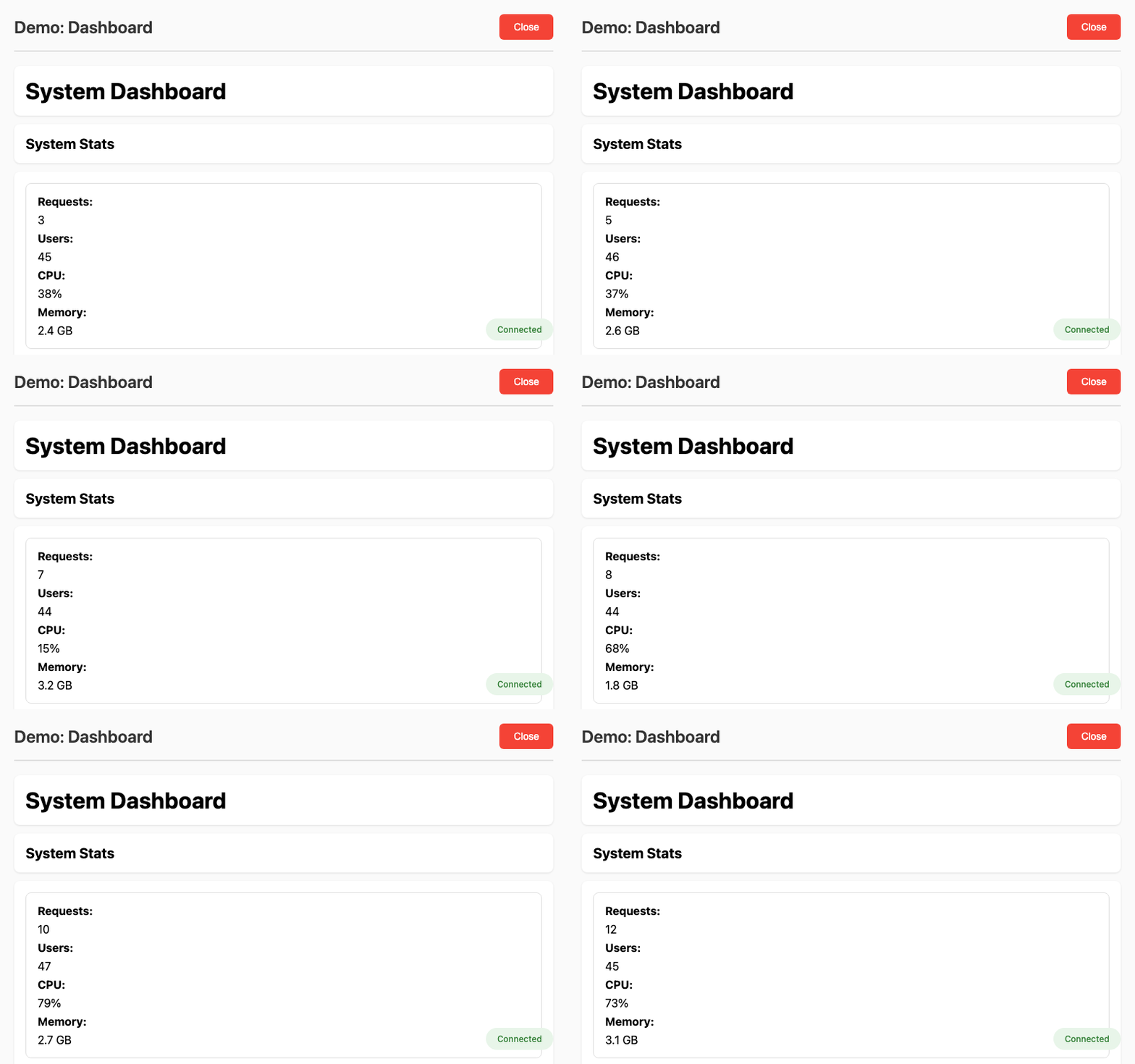
Dashboard
Multi-type dashboard with HTMLString, HTMLDict, HTMLList, and HTMLSet all updating together.
animaid-demo dashboard
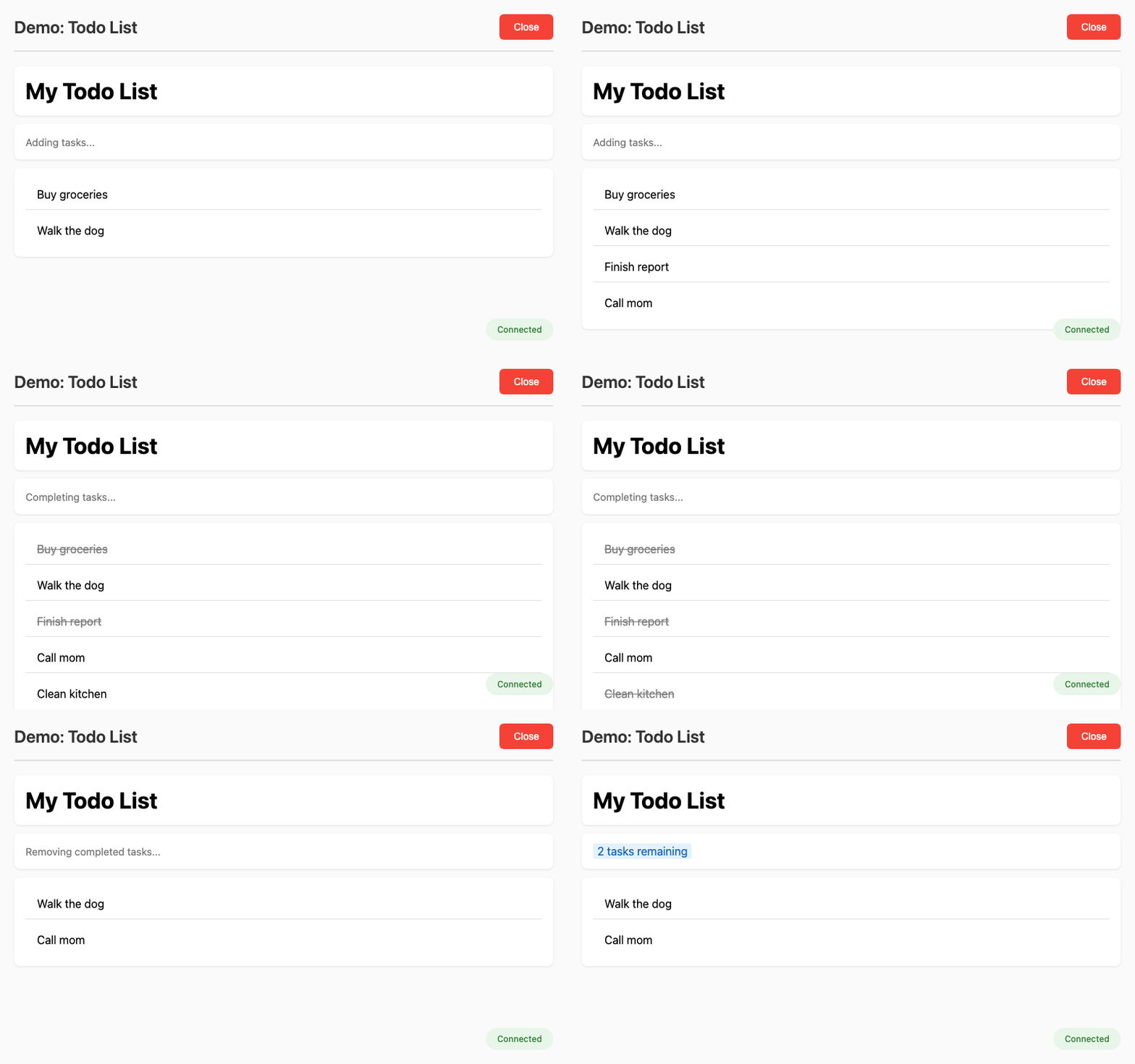
Todo App
Interactive todo list with CRUD operations.
animaid-demo todo_app
Live List
Reactive shopping cart showing .append() and .pop() with automatic updates.
animaid-demo live_list
Score Tracker
Game score tracking with automatic dict updates.
animaid-demo score_tracker
Typewriter
Typewriter effect with progressive styling animation.
animaid-demo typewriter
Data Pipeline
ETL pipeline progress tracking with status transitions.
animaid-demo data_pipeline
Input Widget Demos
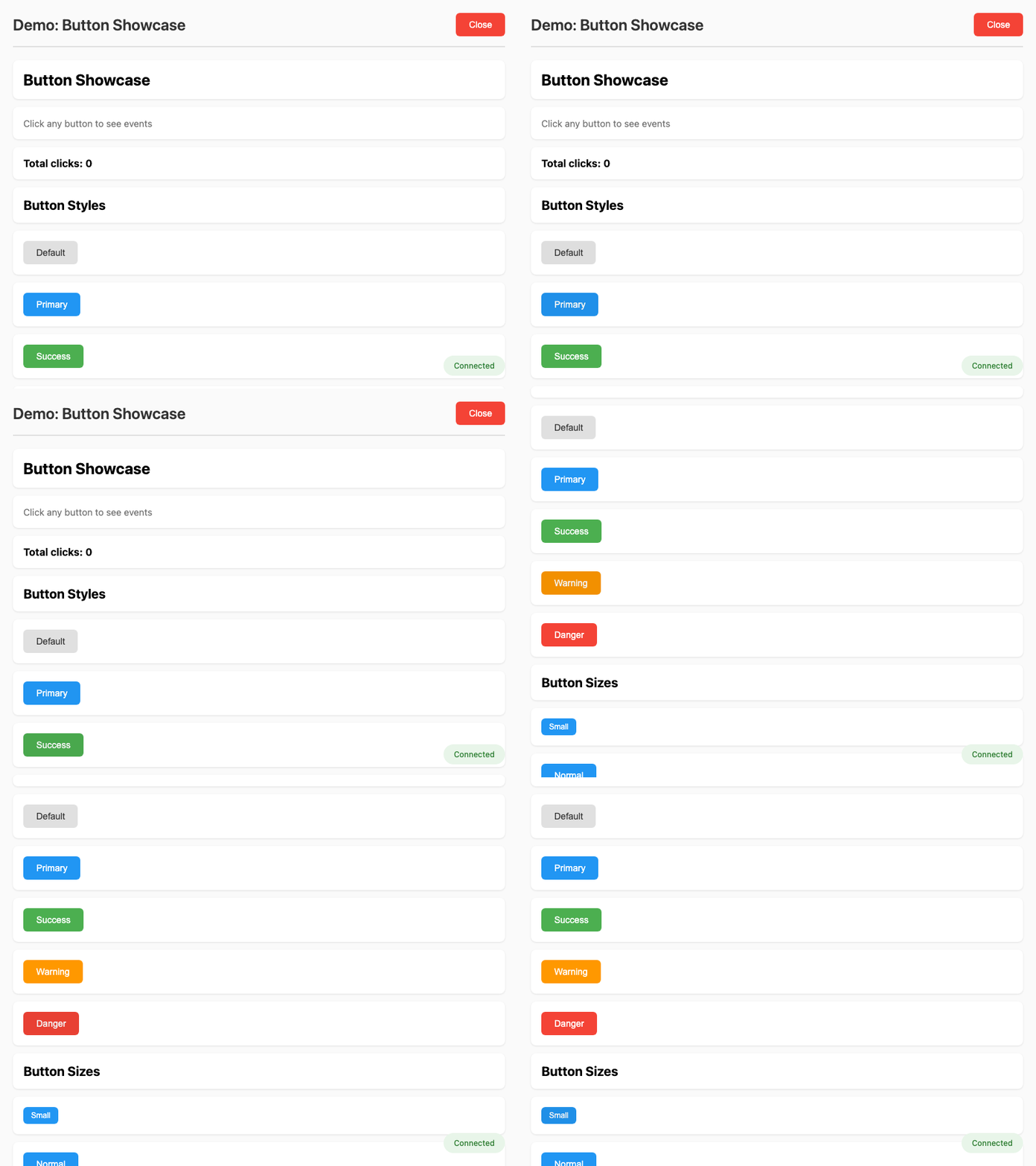
Button Showcase
Button styles (default, primary, success, warning, danger), sizes, and click event handling.
animaid-demo input_button
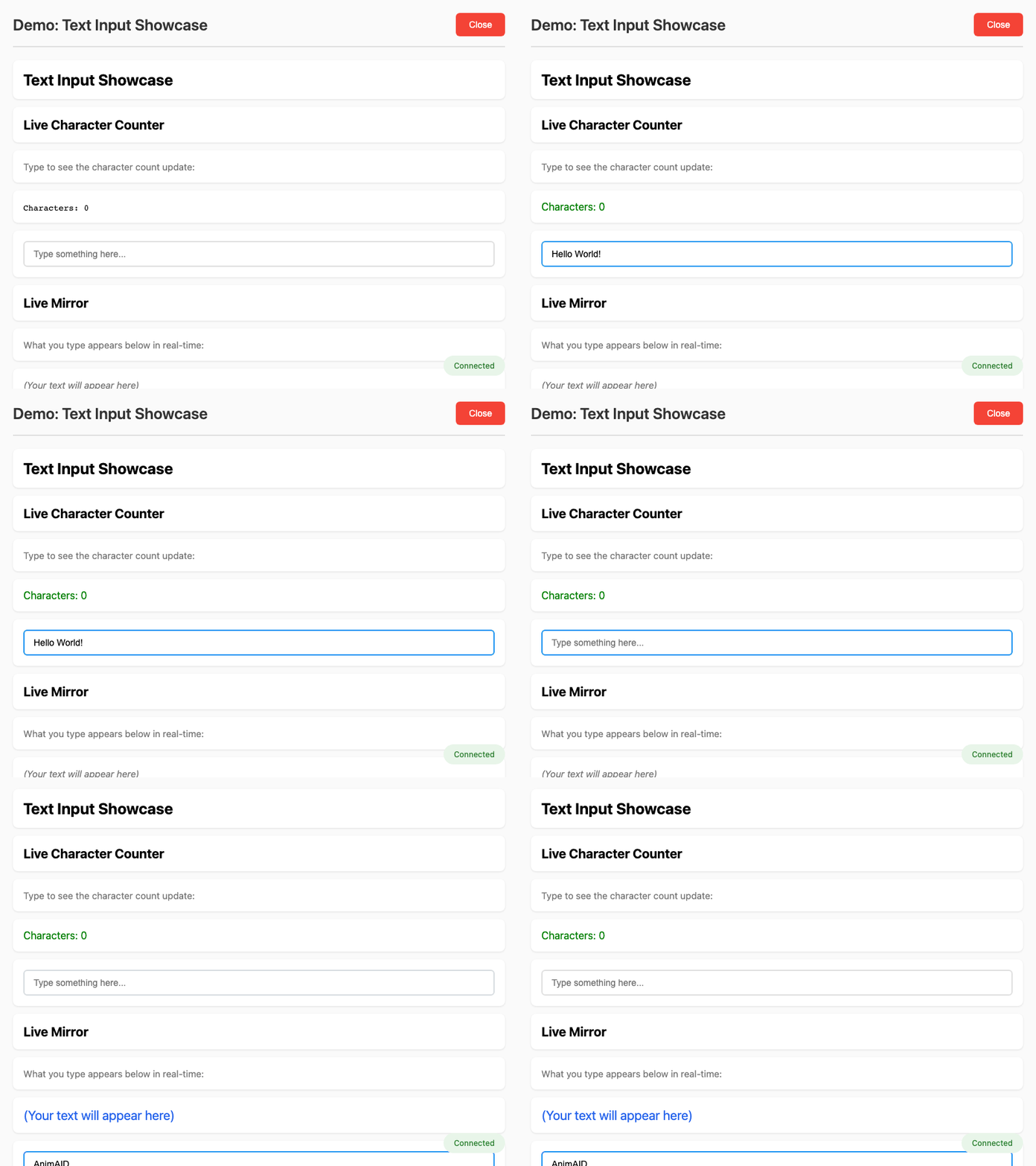
Text Input
Text input with live character counting, validation, and mirroring.
animaid-demo input_text
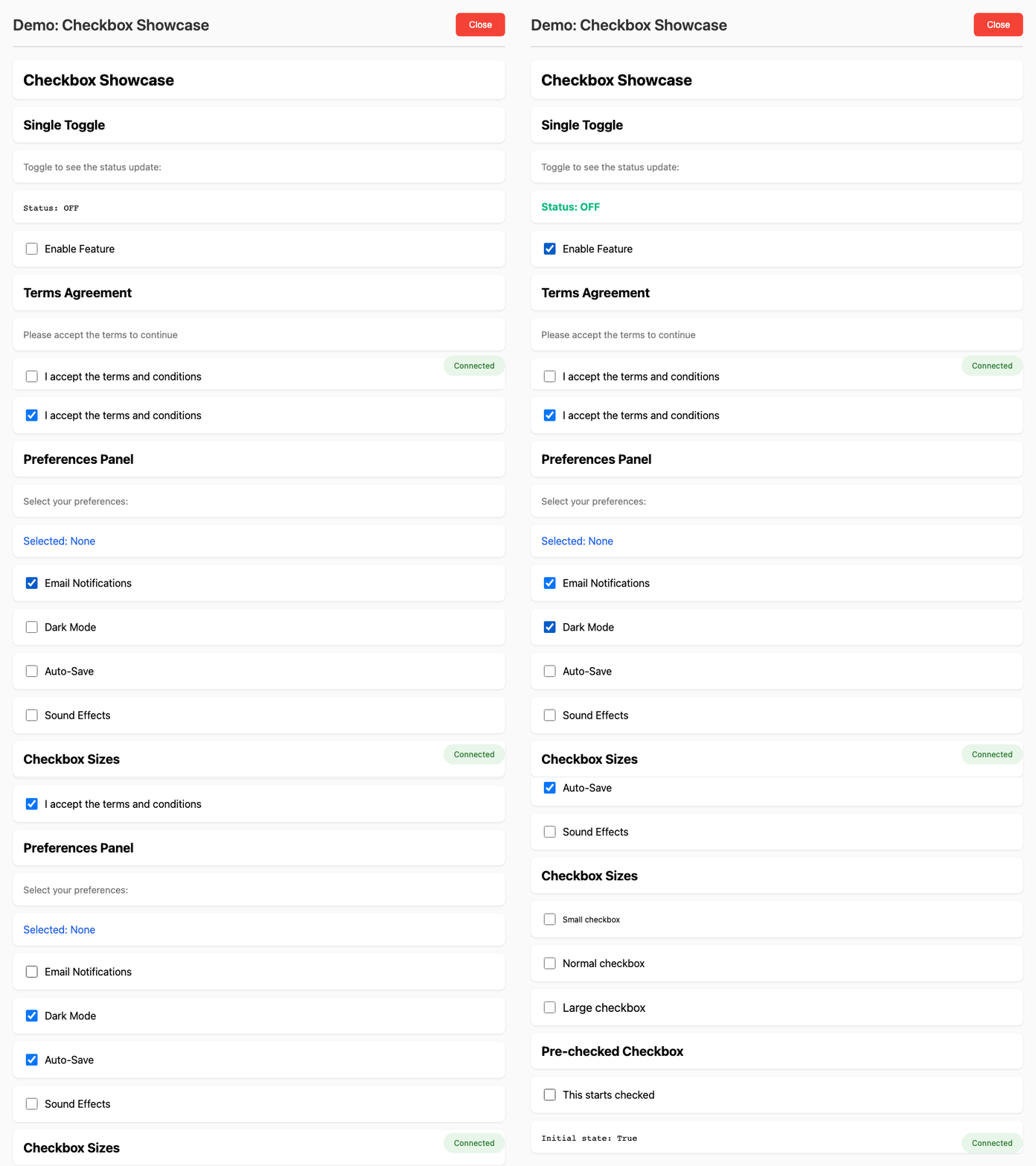
Checkbox Showcase
Checkbox toggles, preferences panel, and multi-checkbox patterns.
animaid-demo input_checkbox
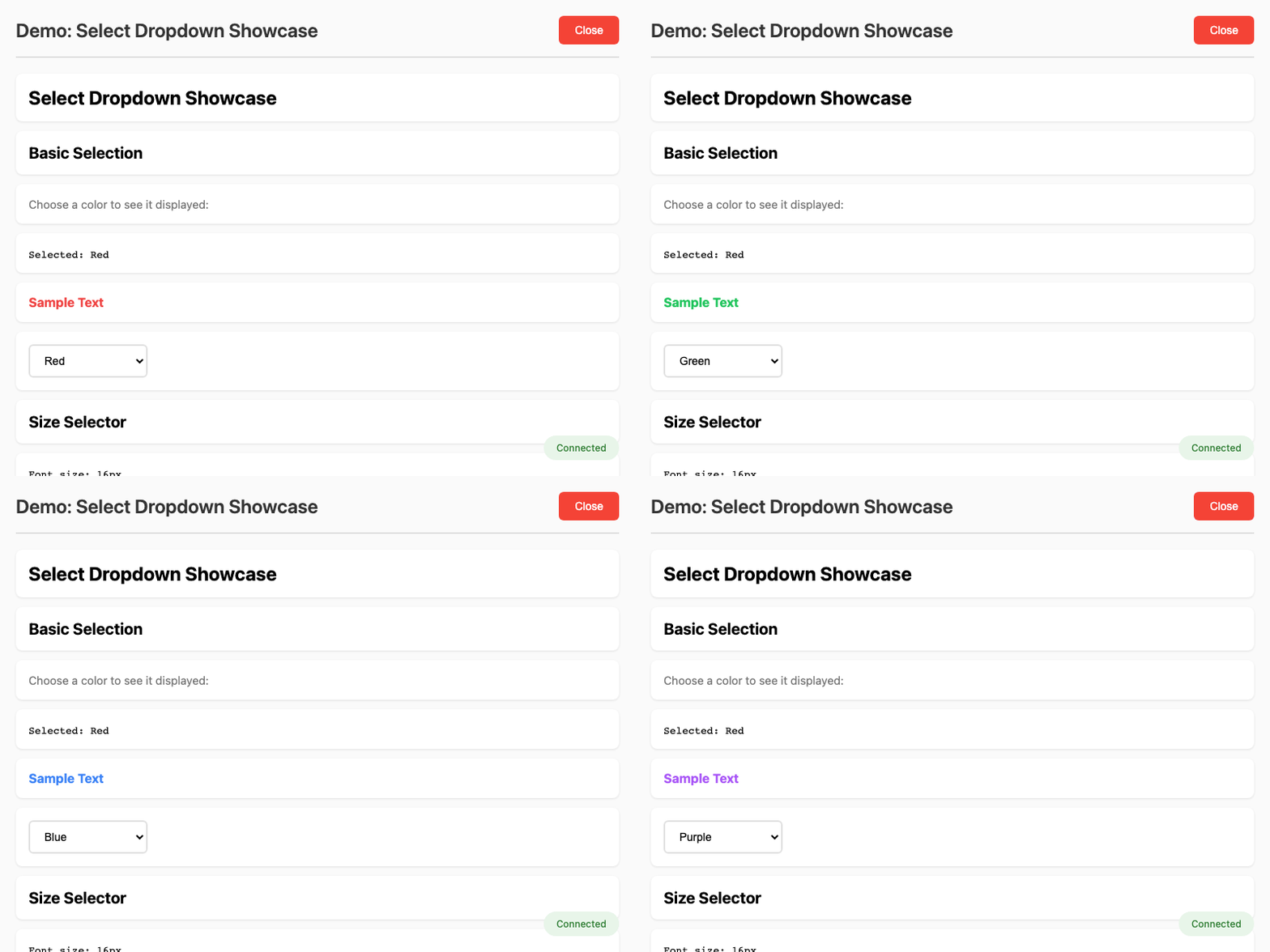
Select Dropdown
Select dropdowns with dynamic updates and styling.
animaid-demo input_select
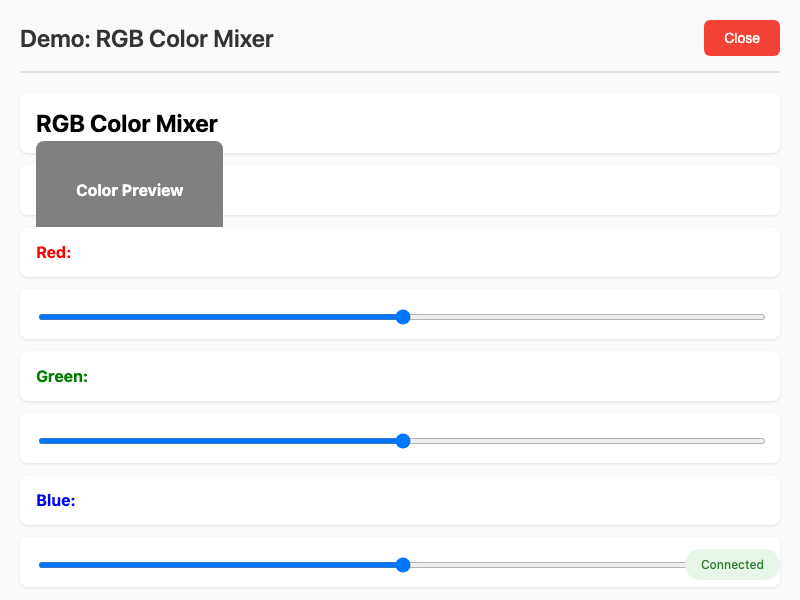
RGB Color Mixer
Sliders for real-time color mixing.
animaid-demo input_slider
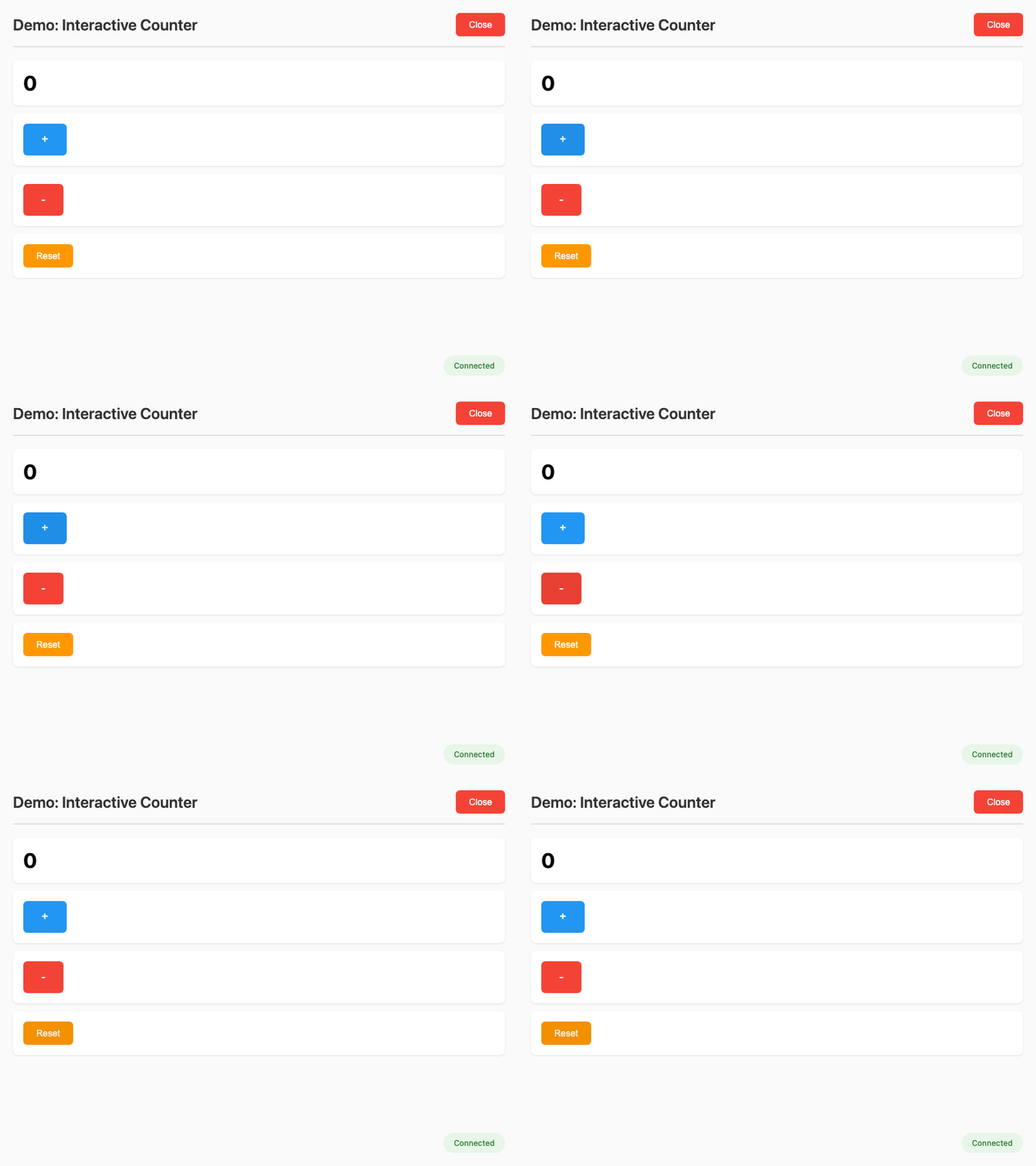
Interactive Counter
Counter with increment/decrement buttons.
animaid-demo input_counter
Interactive Greeter
Text input with greeting button.
animaid-demo input_greeter
Registration Form
Complete form with multiple input widget types.
animaid-demo input_form
Command Line Options
usage: animaid-demo [-h] [--list] [name]

Run AnimAID demo programs

positional arguments:
  name        Name of the demo to run

options:
  -h, --help  show this help message and exit
  --list, -l  List all available demos